Changelog

Follow new updates and improvements to Choppity.

August 20th, 2026

Reviewing your generated clips directly from the project list should be effortless. We’ve added visual video scrubbing previews so you can instantly check specific moments in a clip without needing to open the full editor or play the entire video through.

New Feature: Hover & Scrub Video Previews

  • Visual Scrubbing: Hover over the progress bar on any clip card to scrub through the video and view a real-time thumbnail preview at that exact timestamp.

  • Timestamp Tooltips: Get precise time feedback with a clear timestamp overlay as you hover, making it quick to spot key visual moments, captions, or cuts before exporting or editing.

August 20th, 2026

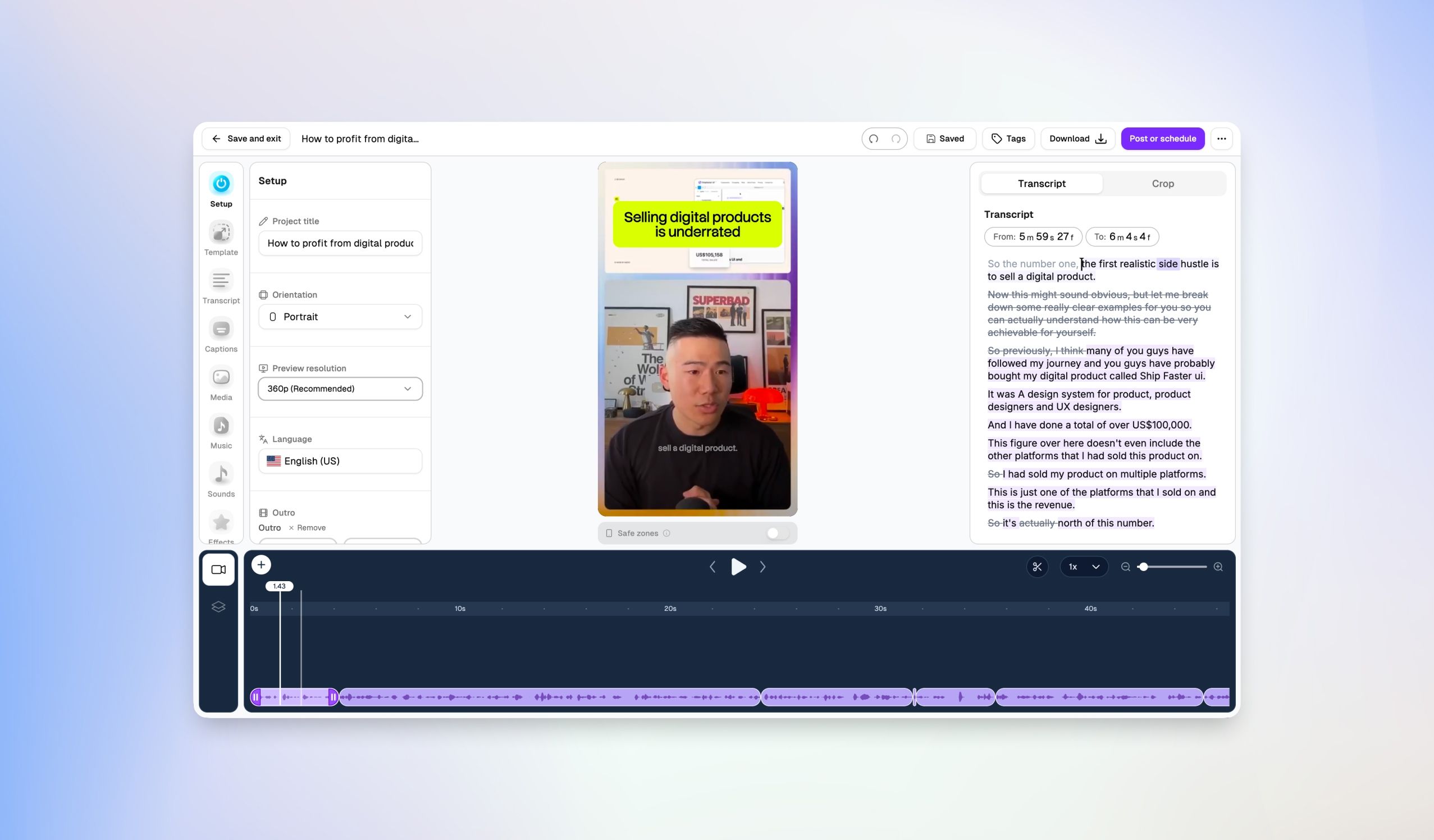
Establishing authority and introducing podcast guests or hosts instantly boosts the production value of your clips. We’ve added customizable Speaker Titles to the Editor so you can overlay professional lower-third graphics directly onto your videos.

Features include:

  • Professional Name Cards: Add a speaker’s name and title (e.g., "Michael W | Chief Choppity") directly over your video tracks.

  • Pre-Designed Graphic Styles: Choose from a library of custom lower-third designs including Gradient, Outline, Vivid, Card, Frame, Accent, Minimal, and Bar.

  • Timeline Control: Precision control over timing with dedicated lower-third text and graphic layers on your editor timeline.

August 14th, 2026

We rebuilt the engine that decides how your clips are framed. Instead of sampling a few frames and averaging the crop marks, Choppity now tracks every person continuously through your video, detects who's speaking, and frames them - with a camera that moves like an operator, not an algorithm.

  • Speaker-aware framing - the frame follows the person talking, not just the nearest face

  • Steadier shots - seated speakers stay locked in frame; the camera only moves when the subject really moves

  • Proper split screens - two-person podcasts and webcasts stack cleanly, with each speaker cropped to their own camera, no seams or sidebars from Zoom-style recordings

  • Sharper cut detection - scene changes are caught more reliably, so framing resets exactly where your video cuts and nowhere else

  • Consistent angles - when your video returns to a camera angle, the framing returns to the exact same crop

  • Less letterboxing - the engine finds a usable close-up in far more shots

This applies to all newly analysed videos automatically - no settings to change.

August 13th, 2026

Handling high-resolution, long-form footage shouldn't require compressing your files or dropping quality before uploading. We’ve massive upgraded our media processing pipeline so you can drop in your raw, original files without breaking a sweat.

New Feature: High-Res & Heavyweight File Uploads

  • 4K Resolution Support: You can now upload and process full 4K resolution videos directly into Choppity to ensure your short clips retain crisp, maximum visual quality.

  • 10GB File Size Limit: Upload limits have been boosted up to 10GB per file, making it effortless to process multi-hour podcast episodes, livestreams, and uncompressed high-bitrate video files.

August 13th, 2026

Ending your clips with a strong call-to-action or branded sign-off is key to turning casual viewers into loyal followers. We’ve added a dedicated Outro section to the Customize workflow so you can seamlessly attach branded endings to your generated clips.

Custom & Pre-Designed Outros

  • Branded Outros: Add a custom logo, custom background color, and your brand name or tagline (e.g., "#1 video clipper") to generate matching outros across pre-designed styles.

  • Animated Style Options: Choose from multiple entry animations including Fade in, Fade up, Fade down, and Bounce.

  • Upload Custom Video Outros: Have a pre-made outro clip? Easily upload your own custom video file to append directly to the end of your generated clips.

August 13th, 2026

We’ve introduced Episode Trailers to help you automatically generate fast-paced, ~60-second cold opens that highlight the absolute best moments of your episode to post on social media.

New Feature: Automatic Episode Trailer Generation

  • Fast-Paced Cold Opens: Automatically generate a ~60s teaser video highlighting the top moments from your full-length episode.

  • Audience-Targeted Hooking: Define who your viewers are, what they want to achieve, and what they struggle with to tailor the trailer directly to your target audience.

  • Custom Prompts & Audio: Add optional custom instructions (e.g., "Include the story about the first investor meeting") and attach background music like Power Pulse to set the tone.

  • Seamless Output: Generated trailers land straight in your clip dashboard with a dedicated "Trailer" badge, ready to edit, download, or schedule.

August 8th, 2026

We love seeing creator communities grow using Choppity, and now we want to pay you back for spreading the word. We're officially launching the Choppity Affiliate Program, complete with an exclusive lifetime offer for our founding partners.

✨ New Feature: Affiliate Program Launch

Earn Lifetime Commissions: Join the new Choppity Affiliate Program and start earning by sharing Choppity with your audience.

Founding Affiliate Offer: We are offering 20% recurring commission on lifetime earnings for our founding affiliates! Sign up at choppity.com/affiliates.

August 8th, 2026

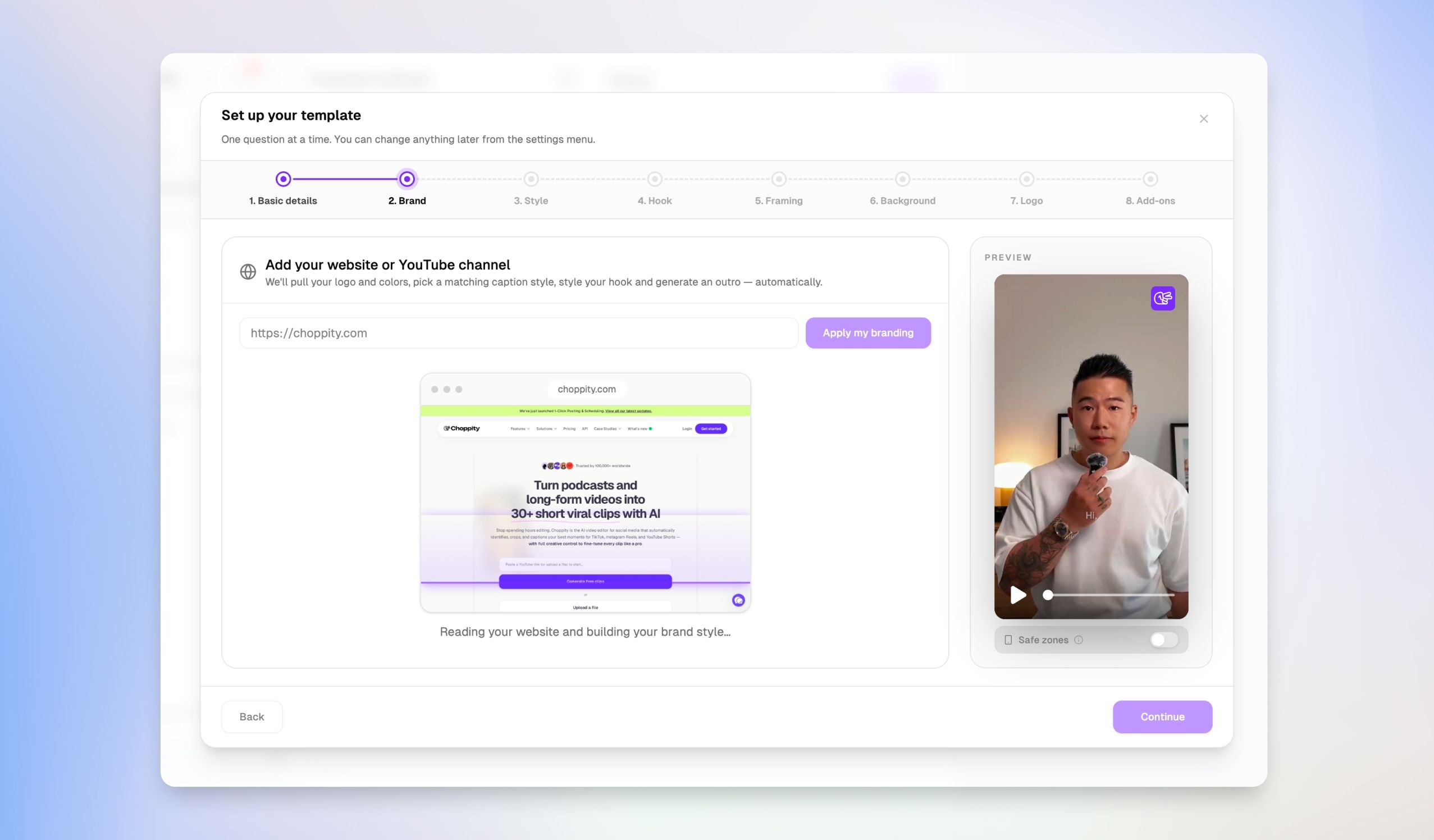
Maintaining a consistent brand identity across all your short-form videos shouldn't require setting up styles from scratch every time. Our new dedicated Brand Template Manager gives you a central hub to build, organize, and tweak your global styling presets with granular precision.

✨ New Feature: Dedicated Brand Template Manager

Centralized Brand Hub: Access a dedicated Brand template page from the sidebar to manage all your global styling presets in one central location.

Granular Preset Settings: Easily configure caption transitions, orientation & framing, background overlays, custom logos, music, and AI hook styles across your templates.

August 8th, 2026

Updating caption styles and hook designs one clip at a time can slow down your publishing momentum. We've upgraded the Customize step so you can set up all your visual preferences upfront before generation, saving you valuable editing time downstream.

✨ New Feature: Full Customization Control Before Generation

Pre-Generation Styling: You now have full control over caption styles, fonts, colors, outlines, transitions, and hooks directly on the Customize step.

Save Editing Time: Apply your exact visual preferences before generating your clips, eliminating the need to update individual clips one by one after they're created.

August 8th, 2026

Finding specific clips across dozens of video projects shouldn't feel like searching for a needle in a haystack. With our new tagging and filtering system, you can now categorize individual clips and surface them instantly whenever you need them.

✨ New Feature: Tagging & Tag Filtering

Tag Your Clips: Easily add custom tags (like #2026 highlight) directly to individual clips to categorize them by theme, project, or release status.

Instant Tag Search: Filter your entire clip library with the new "Filter by tags" dropdown menu to find exact clips in seconds.