All-New Choppity Video Editor
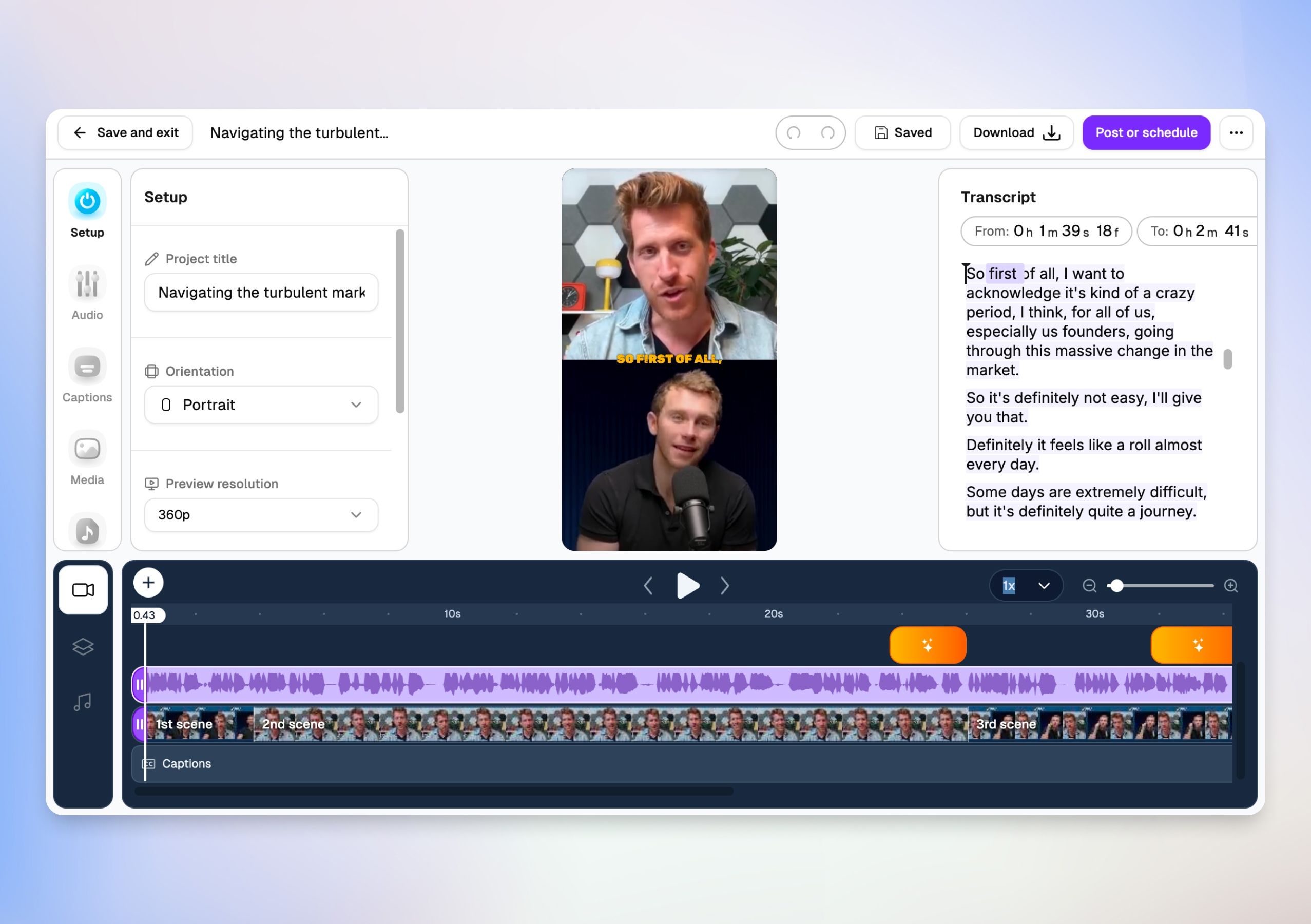
Out with the old, in with the better. We have completely overhauled our video editor from the ground up, bringing you a vastly more powerful, clean, and intuitive studio layout.
Here is what is new in the overhauled editor.
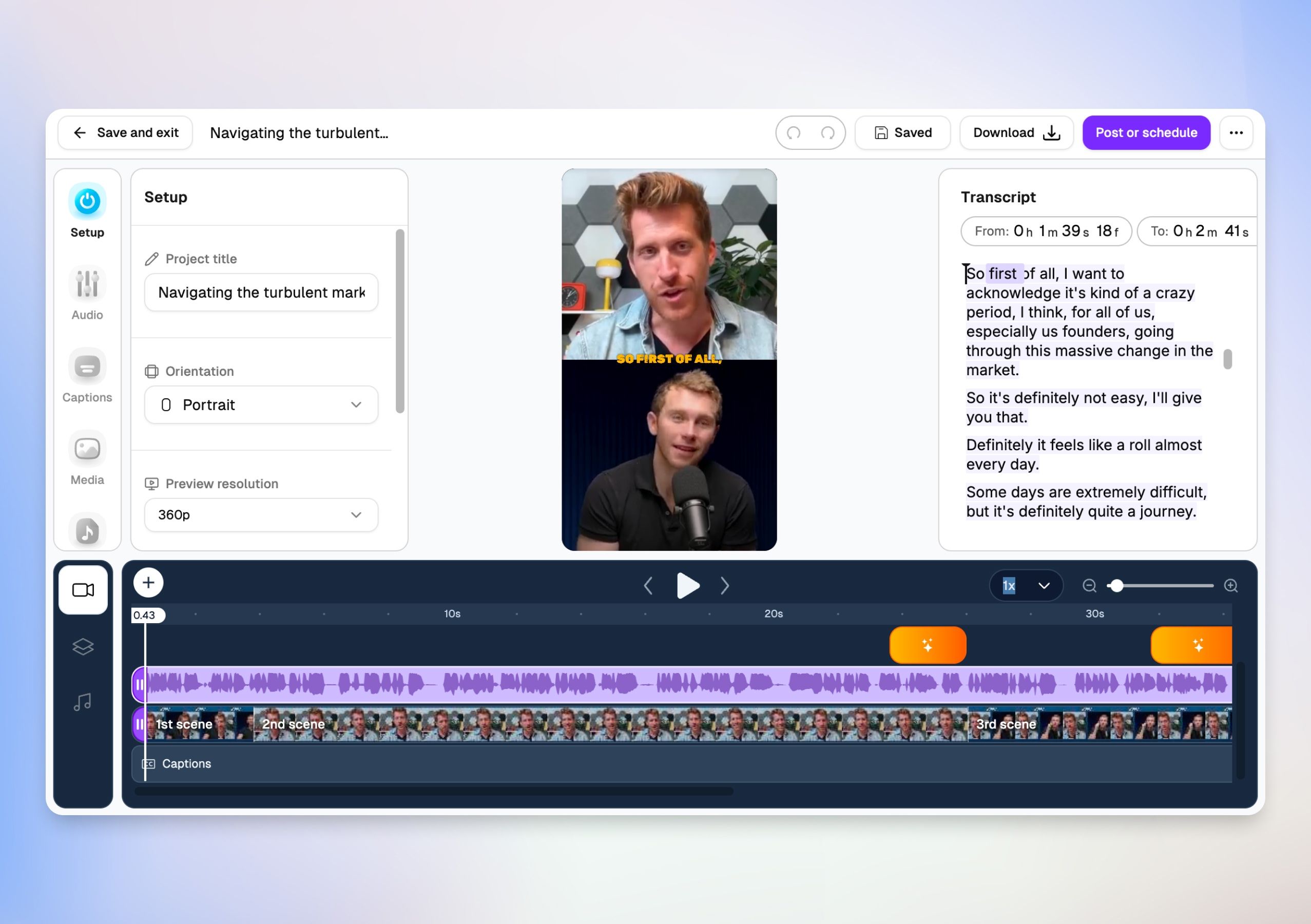
🎛️ Unified Sidebar Control Center
Instead of scattered editing tabs at the top of your screen, everything you need is now consolidated into a slick, left-hand navigation dock. Jump seamlessly between production stages:
Setup: Change project titles, switch video orientations (like switching instantly to Portrait), adjust preview resolutions, and select languages.
Audio & Video Layers: Fine-tune track settings.
Captions: Access dedicated styling and kinetic text animations.
Media, Music, & Sounds: Browse and inject background tracks or sound assets directly into your timeline.
⏱️ Pro-Grade Multi-Layer Timeline
The timeline received a major engineering facelift. It now features highly precise visual audio waveforms, clean scene markers, a dedicated caption layer track, and intelligent AI scene adjustment indicators right on the timeline ruler. Scrubbing, splitting, and previewing your edits is faster and smoother than ever before.
💬 Fluid Transcript Editing
We have refined the text-based editing canvas on the right. You get exact timestamp indicators down to the precise millisecond frame (From / To), allowing you to highlight text to cut video segments with flawless accuracy.